


















Read the instructions below or check out the video to correctly charge the Aiper Scuba S1.
Important: Never charge the cleaner while it is in the pool
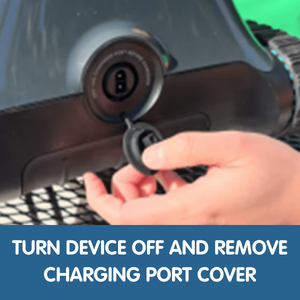
- Power Off: Ensure the device is turned off before charging
- Positioning: Place cleaner on a flat, dry surface in a cool, shaded, well-ventilated area (never in direct sunlight)
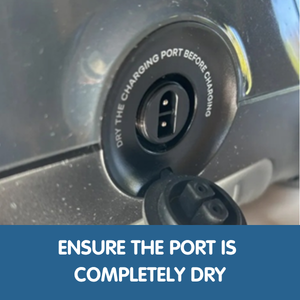
- Dry the Charging Port:
- Remove the charging port cover
- Wipe away any residual water with a clean, dry cloth
- Ensure the port is completely dry
- Leave the port open and allow it to fully air dry before charging
(Helps prevent charging issues)
- Connect Charger:
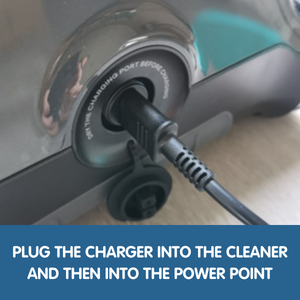
- Plug the charger into the cleaner
- Then plug into the power point
- Charging Status: pulsing light = charging; solid blue light = fully charged
To Disconnect the Charger:
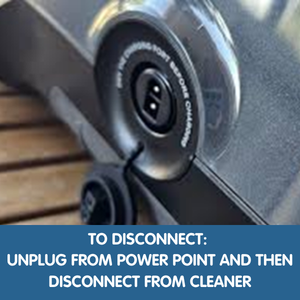
- Unplug from the power point first
- Disconnect from the cleaner
- Refit the charging port firmly to ensure a watertight seal
Important Tips
- Never charge the cleaner while it is in the pool
- Do not charge near pool edges or splash zones
- Do not charge in direct sunlight
- Do not use damaged cables or connectors
- Do not leave the cleaner on charge long-term once fully charged
- Do not leave the cleaner in your pool for extended periods
For more tips and expert advice, visit us in-store or online.